The first independent school run
How can I track my child on the walk to school?
If your child carries a supported smartphone, a child tracking app can share the phone’s location with you. For the school walk, the useful result is simple: a recent position when you check and an arrival notification at the end. Both need setup on your child’s phone before the first independent trip.
GoBabyApp is published by the team behind Geopapa. This guide includes our own app and explains when the tools already on your phones may be enough.
Choose a setup that matches the phone they carry
Start with the child’s device, because that is the one reporting the journey. If it is a basic phone that cannot install the companion app, a smartphone locator will not work on it. A phone left at home reports the phone’s whereabouts, even if your child is halfway to school.
- An Android child phone: Google Family Link supports device location and arrival or departure notifications for saved family places. Try the settings you already have before paying for an extra service.
- A family using iPhones: Apple’s Find My and Family Sharing support location sharing and location notifications. Review who can see the location and which device shares it.
- A dedicated family app: consider one when you want the map, recorded route, child-to-parent SOS and family chat in the same place. Check support for both phones and the current subscription offer.
Our app, Geopapa, uses a parent app and a child companion app connected by a code. It provides location history as well as the latest reported position. The child needs their phone, location permissions and connectivity for new reports to reach you.
Make the first journey a practice journey
Do the route together with the phones configured as they will be on a normal morning. This is a practical check of your settings, not a test of whether your child is ready to travel alone. Use our walking-to-school readiness guide for that separate conversation.
- Pair both phones at home. Install the parent app first, follow its companion-app instructions and enter the connection code together.
- Enable the requested permissions. Review location and background access on the child’s phone and notifications on yours. Charge the child’s phone and confirm mobile data works away from Wi-Fi.
- Save the school as a place. Look at the area on the map and choose an arrival notification. The area’s edge matters: it may include the pavement outside the school.
- Walk with the phone screen locked. Check that a fresh report reaches the parent app under ordinary carrying conditions. At school, check whether the arrival alert appears.
- Agree on a fallback. Decide when your child should call or message if plans change, and what you will do if an expected check-in does not arrive.
Read the time beside the map pin
A dot on the school does not prove that your child is there now. Check the time of the latest report. Reception, permissions, battery restrictions or loss of internet can leave an older position on the map. An arrival alert means the reported device location crossed a configured area; it does not confirm classroom attendance.
If the location looks old, use your agreed contact plan and check the phone settings together later. Repeatedly refreshing a map cannot restore a disconnected phone. A record of the route can provide context after reports arrive, but it is not a promise that every step will be recorded.
Decide what a paid child location tracker adds
Write down the missing feature before subscribing. Perhaps both caregivers need the same family view, or you want route history alongside chat and an SOS sent by your child. Arrival alerts alone do not distinguish a paid app from all free options. Test the particular combination you need on your own phones.
Geopapa is free to download and offers in-app purchases. Check the included features, renewal terms and any trial shown in the app. Its SOS alerts connected parents and requires connectivity; it does not call emergency services.
A look at Geopapa
Scroll through the images or tap to view a larger preview.
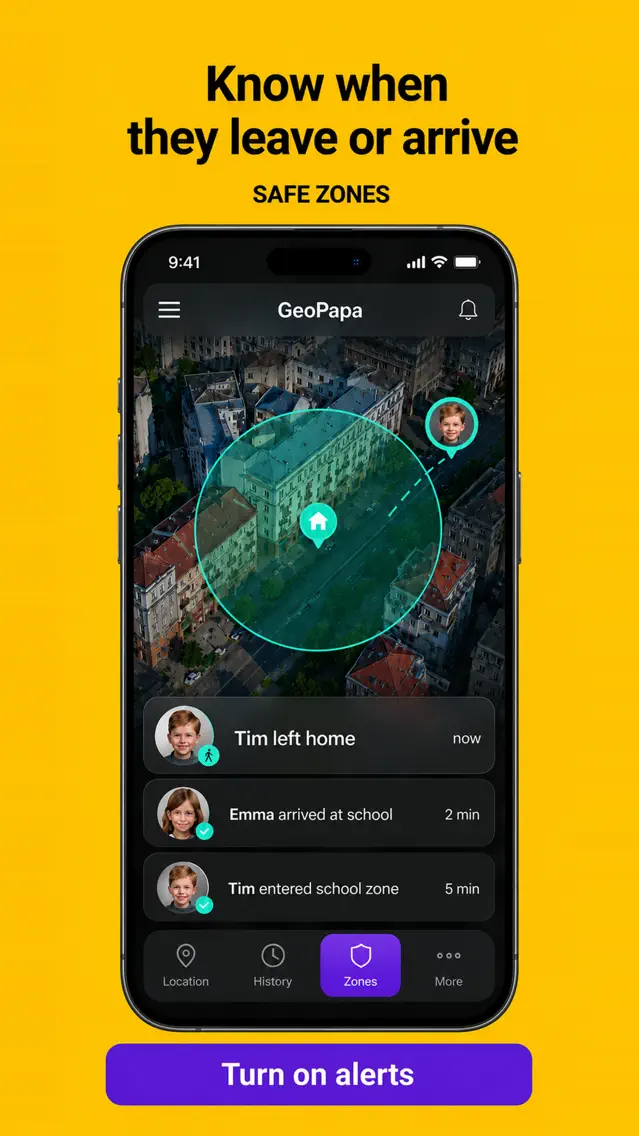
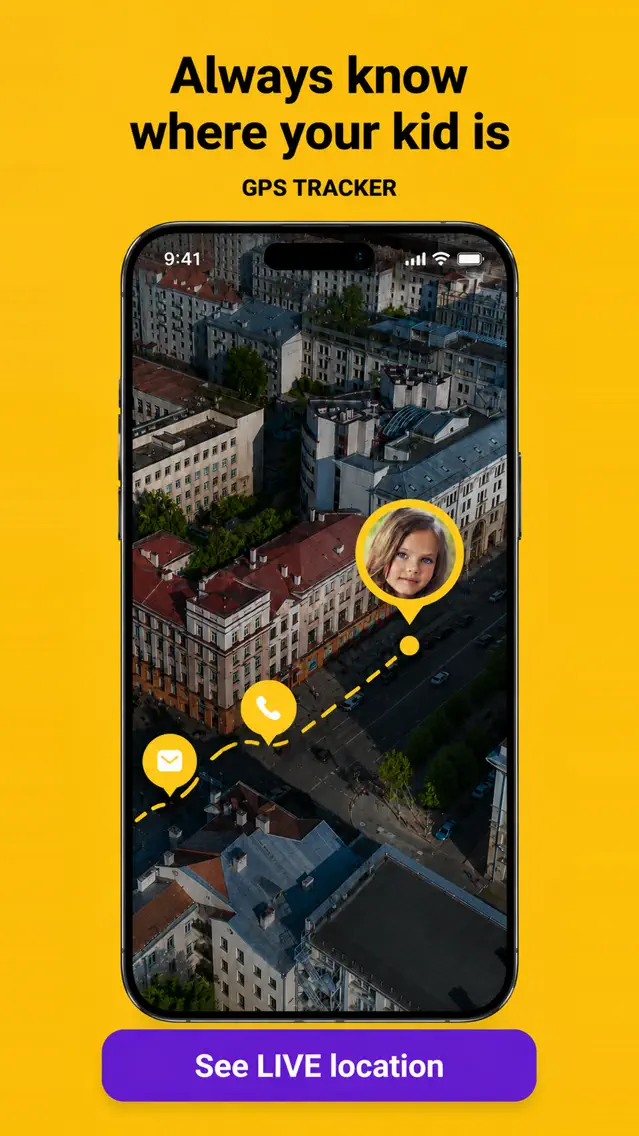
Source: the official Geopapa App Store listing. Promotional previews in English; the interface can vary by version.

Try the setup before the first solo walk
Connect the phones together, check a fresh location report and practise one school arrival alert.
Get Geopapa for ParentsQuestions before the first morning
Can I track my child using only their phone number?
That is not how Geopapa works. It needs the companion app, a pairing code and permissions on the child’s device. Set it up openly together.
Will the app work without mobile data?
The phone needs an internet connection to send new positions to you. School Wi-Fi does not provide coverage for the journey between home and school. Check the actual connection along the route.
What should we agree about location sharing?
Explain who can see the location, when you intend to check it and how your child should tell you about a change of plan. Review the agreement as their independence grows.
Preparing the whole device? Use the first phone checklist alongside this journey setup.