The handover
The first phone checklist.
The phone is usually given on a birthday, in a hurry, with everyone excited. Forty minutes of setup beforehand changes the next two years. Here is the order that works.
Before anyone unwraps anything
1. Decide what the phone is for
Write one sentence and keep it. "So you can tell me where you are and ring me after football" leads to different decisions than "so you can talk to your friends". Most arguments later are really disagreements about this sentence that nobody wrote down.
2. Set up the account properly
- Create a child account with the correct date of birth — a Google account set up as a child, or an Apple account added to Family Sharing. Age-appropriate defaults and purchase approval depend on it, and putting an adult's birth year in is the mistake that is hardest to undo.
- Turn on Ask to Buy (Apple) or purchase approval (Google) before the phone is handed over, not after the first surprise charge.
- Set content ratings for apps, films and music in the store settings.
- Record the IMEI (dial *#06#) somewhere that is not the phone, and check that Find My iPhone / Find My Device is on.
- Set a passcode you also know. Agree out loud what would make you use it; "if I am worried and you are not answering" is a reasonable, sayable rule.
3. Deal with the lock screen and notifications
Two settings do more for sleep and homework than any blocking app: a schedule for Do Not Disturb covering school hours and night, and turning off notification previews on the lock screen so a group chat does not light up the room at midnight. Do these while you still have the phone in your hand.
4. Set the screen-time limits you intend to keep
Screen Time (iOS) and Family Link (Android) both do downtime schedules and per-app limits. Pick two or three limits you will actually enforce rather than a full grid you will switch off in a fortnight. Expect them to be tested: children discover the browser inside another app faster than you will believe.
5. Location sharing, agreed out loud
Both Google Family Link and Apple Find My support family location and arrival or departure notifications. A dedicated family locator is another option when you want a particular combination of recorded routes, family chat and child-to-parent SOS. Check what you need on the actual phones you use.
For a practical first journey, see how to set up a child tracking app for the school walk.
We make one — Geopapa — and the honest framing is the same as for every other tool on this list: it works when the child's phone has signal, battery and the permissions left switched on, and it is something you set up together rather than behind them. Its connection guide is worth reading before the handover, because pairing needs the child's phone in your hands for a few minutes.
A look at Geopapa
Scroll through the images or tap to view a larger preview.
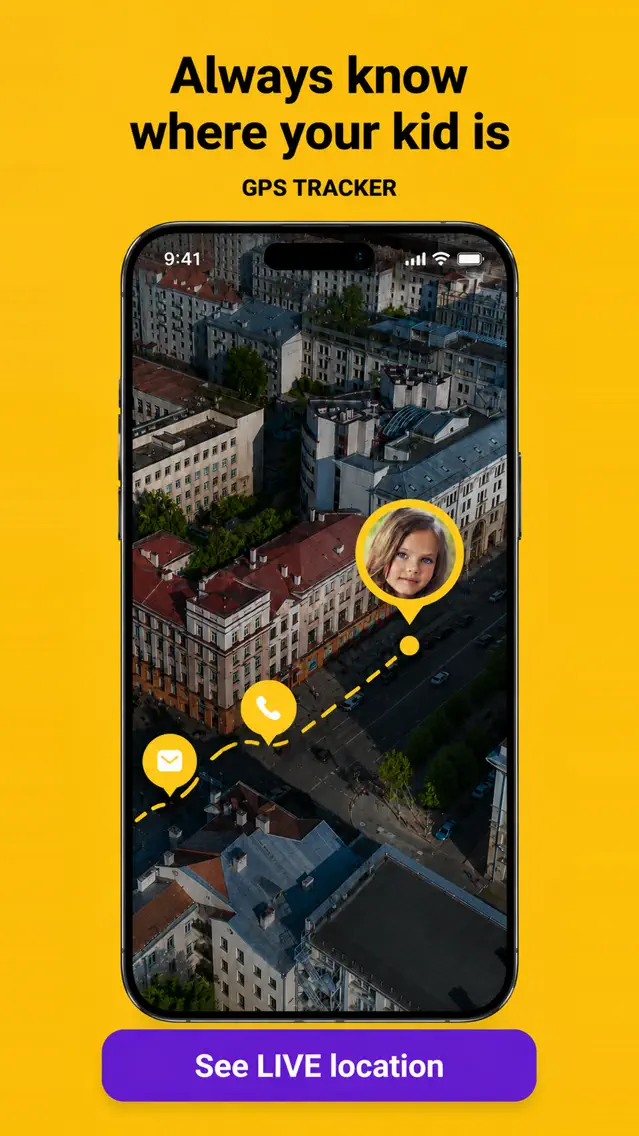
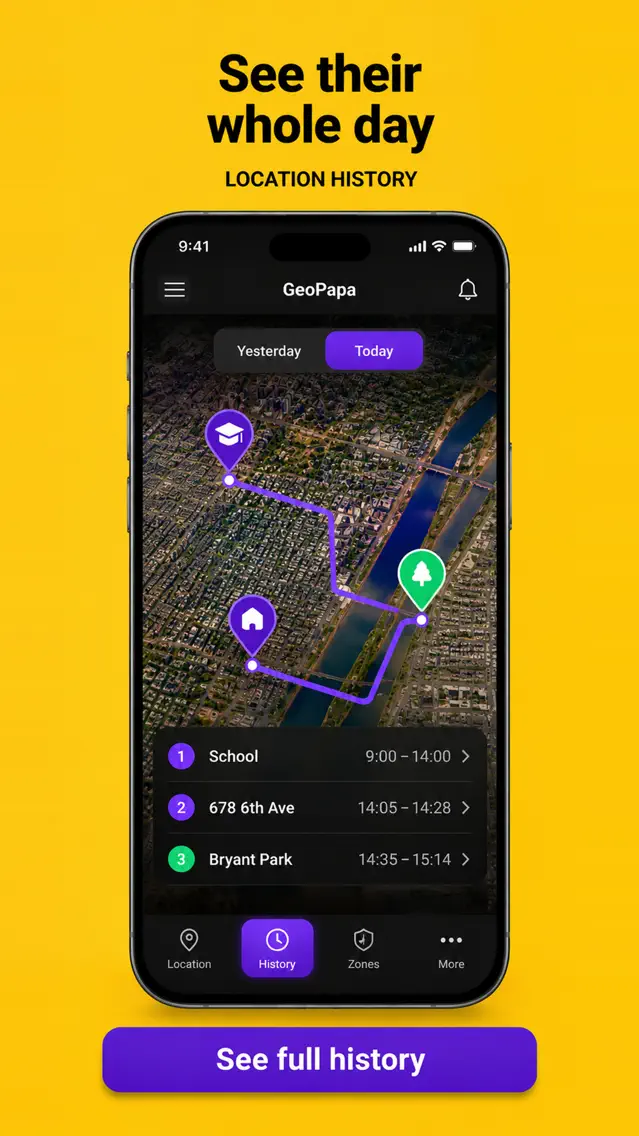
Source: the official Geopapa App Store listing. Promotional previews in English; the interface can vary by version.

Set it up on the same afternoon
Parent app on your phone, companion app on theirs, one code to pair them, then saved places and alerts. Easier before the phone becomes theirs.
Get Geopapa for ParentsiPhone & Android · Free to download · In-app purchases
The four rules worth agreeing
Long contracts get ignored. Four rules get remembered:
- The phone sleeps outside the bedroom. This is the one that matters most and the one that gets negotiated first. Buy a cheap alarm clock and remove the argument.
- Not while walking. Especially near roads. Tie it to the school-run rehearsal rather than to the phone rules and it lands better.
- You tell me about anything that made you uncomfortable, and you will not lose the phone for it. Say the second half explicitly. Children hide things when the punishment for reporting is confiscation.
- Nothing goes to anyone you have not met. Photos, school name, address, location.
What to do a month later
Put a reminder in your own calendar for four weeks after the handover and sit down together for ten minutes:
- Look at the screen-time summary with them, not about them.
- Ask which apps their friends use that they do not have yet. This is how you hear about the next one before it arrives.
- Check whether the limits you set are doing anything or are just noise. Remove the ones you keep overriding.
- Check location sharing and notifications are still on — system updates and battery-saver settings switch background permissions off more often than parents realise.
Common questions
What age should a child get their first phone?
The useful question is what they need it for. A child who travels to school alone has a concrete reason; a child who wants group chats has a social one, which is real but negotiable. Ask what the rest of their class has — being the only one without is its own cost.
Smartphone or a basic phone?
A basic phone or a smartwatch handles calls and, in some cases, location, without the rest of the internet. It is a decent first year for a younger child. Be aware that a child with only a basic phone will use someone else's smartphone at school instead.
Should I be able to read their messages?
Most parental-control tools cannot read messages inside other apps, and the ones that claim to usually require the phone to be modified. Our own app deliberately does not do it. Agreeing that you may look at the phone together is a workable middle position and is far better for trust than surveillance they discover later.
Do I need a paid app, or are the built-in controls enough?
Screen Time and Family Link cover downtime, app limits, content ratings and basic location for free, and for many families that is the whole answer. Paid tools are worth it when you want something specific they do not do in the way your family needs, such as combining route history and family communication in one app. Arrival alerts are also available in the platform tools.
If the phone is arriving because your child is starting to travel on their own, read the readiness guide for walking to school alone first — the phone is the smaller half of that decision.